
What makes a documentary feel like a documentary isn't only the pictures. It's how the camera moves: a slow push in on a face, a pan across a landscape, a still frame that lets a big moment land. A lot of AI video gets this wrong. Every clip drifts the same way, every scene lasts the same length, and the whole video feels like a slideshow that wobbles.
Synthvids now plans the camera for every scene, the way an editor would.
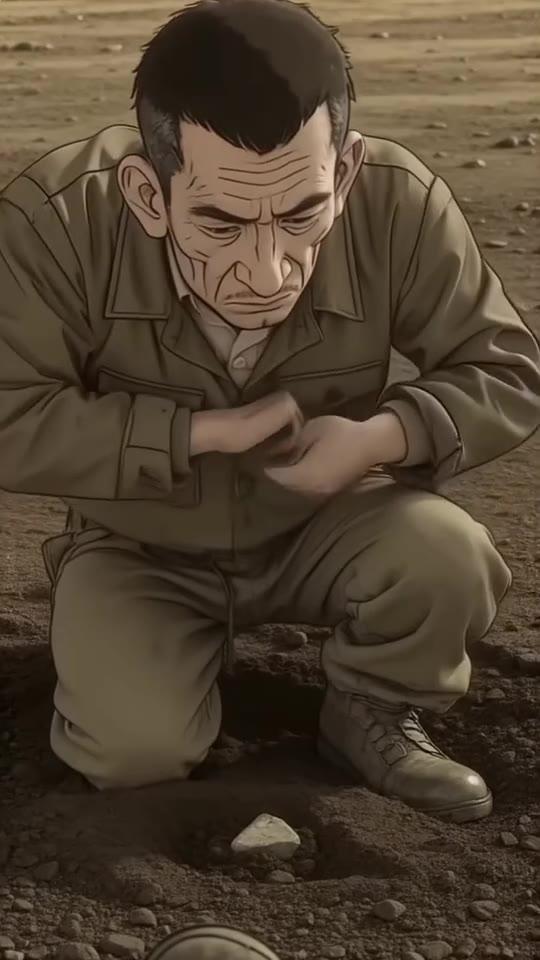
A camera move planned for every scene
When Synthvids plans a video, it picks a camera move for each scene based on what's happening in it, how fast the story is moving at that point, and what the scene before it did. The moves are the ones you'd see in a documentary:
- Push in and pull back
- Pan left and pan right
- Tilt up and tilt down
- Crane up and crane down
- Tracking and handheld follow shots
- Orbit and rack focus
- Static, a locked-off shot, used on purpose where stillness works best
Because each move is chosen with the previous one in mind, a video doesn't repeat the same drift scene after scene.
Pacing that holds on the big moments
Not every line should get the same screen time. Synthvids also picks a pace for each scene from the story. Most scenes move along briskly, a few seconds each. For the moments that need to land, a couple of scenes per video can be held longer, up to 7 seconds, so the viewer has time to take them in.
The Ken Burns effect on real photos
The Ken Burns effect is the slow pan and zoom across a still photo, named after the documentary filmmaker who made it famous. When Synthvids puts a real archive photo in a scene (see public domain photos for YouTube videos), it now picks a move for each photo too:
- zoom in or zoom out, fast or slow
- pan left, right, up or down
- or hold still
The move suits the photo: a slow zoom into a face, a pan along a street. Two photos in the same video don't have to move the same way.
Tips for a documentary YouTube channel
- Write for the pictures. Lines about something you can see (a ship leaving port, a crowd gathering) make better scenes than abstract ones.
- Mix in real photos. Keep Real photos where they fit on in Channel setup, so real archive photos appear among the AI scenes.
- Plan before you render. The AI storyboard and pre-render editor shows every scene before it's made, so you can change a line before it costs anything.
- Keep characters consistent. A recurring person should look the same in every scene. See consistent characters in AI video.
FAQ
What is the Ken Burns effect?
A slow pan or zoom across a still photo, which makes it feel alive on screen. It's a staple of documentaries built from archive photos.
Can AI video have real camera movement?
Yes. Synthvids picks a camera move for every AI scene, like a push in, a pan or a crane shot, based on the moment in the story and the scene before it.
Does every scene move?
No. A static shot is a normal choice, used where a still frame suits the moment better than movement.
Do I need to set the camera moves myself?
No. Synthvids plans them for you. You can still change any scene in the Storyboard before rendering, or re-roll a scene in the clip editor afterwards.
Does this cost more credits?
No. AI video is still charged by the second, and the quote before each render shows the maximum.
Try it
See the plans, or read how to start a faceless YouTube channel with AI.