
The most common complaint about AI video is the face. The man in scene 3 has a beard; in scene 9 he doesn't. His hair changes color, his jacket changes, and viewers notice. For a story channel, a character who doesn't look like the same person breaks the story.
Synthvids now keeps characters consistent across your whole video. Here's why the drift happens, and what we changed.
Why AI video characters change from scene to scene
An AI video model makes each scene on its own. If every scene describes the person from scratch ("a man in his forties with a beard"), the model draws a different man in his forties each time. Nothing carries the face from one scene to the next.
How to keep a character consistent in AI video
A reference picture for every recurring person. When a person appears in more than one scene, Synthvids first draws a reference picture of them in your channel's look. That reference is never shown in the video; it's the source of truth for how they look.
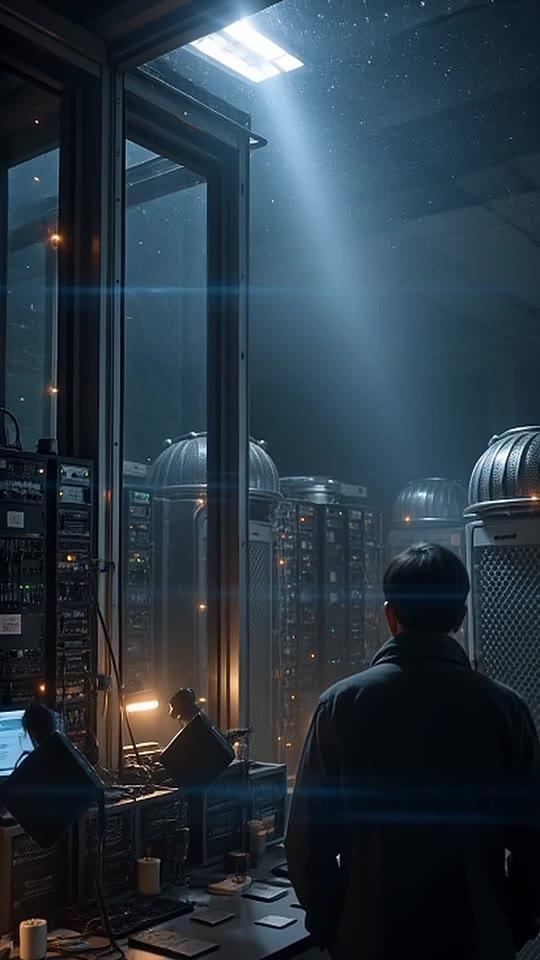
Every scene with that person starts from the reference. Each of their scenes opens on a picture drawn from the reference, and the video moves from there. The face, hair and clothes come from the same picture every time.
The script names people instead of re-describing them. Each scene's instructions say who is in it, rather than describing them again in new words, so nothing pulls the character toward a different look.
The result: the person looks much more like themselves across the whole video. AI video still isn't perfect, so if one scene drifts, re-roll just that scene in the clip editor. Every render includes retakes.
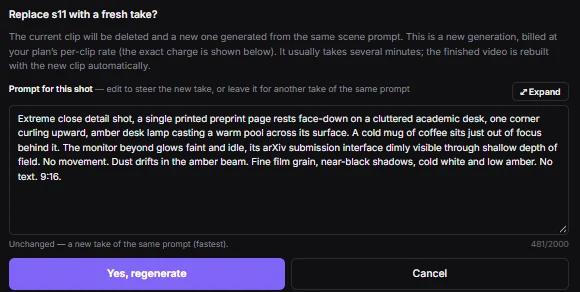
Every scene now opens on its own picture
The same method now applies to every new AI scene, not just scenes with people. Each one starts from a picture drawn for it in your channel's look. Scenes hold your channel's style more closely from the first frame, and each one is composed for its own moment in the story instead of drifting toward a generic shot.
On the Hand Drawn look, the opening picture is drawn the same way, so scenes start already looking hand drawn.
Plan the opening frames yourself
Want to see the first frame of each scene before you render? The AI storyboard and pre-render editor can draw a preview picture for each scene. When the look and the narration haven't changed, that picture becomes the scene's opening frame in the finished video.
FAQ
What is character consistency in AI video?
It means the same person looks like the same person in every scene: same face, hair and clothes. It's the hardest part of AI storytelling, because most AI video models make each scene on their own.
How do I make an AI character look the same in every scene?
Give the model one fixed reference for the character and start every scene with that person from it. Synthvids does this for you: it draws a reference picture of each recurring person and opens each of their scenes on a picture drawn from it.
Do I need to upload a photo of my character?
No. Synthvids draws the reference picture from your story and your channel's look.
Does this cost more credits?
No. The price per scene hasn't changed.
Will my old videos change?
No. Finished videos stay as they are. The change applies to new renders and to scenes you regenerate.
Does it work on Shorts and long videos?
Yes, both.
What's next
Next on the blog: YouTube thumbnail ideas that don't look like everyone else's. In the meantime, see the plans.